
| | | The Image Concepts Newsletter · November 2026 · Issue #21 Print-Ready in Five Checks: The File Mistakes That Slow Jobs Down | 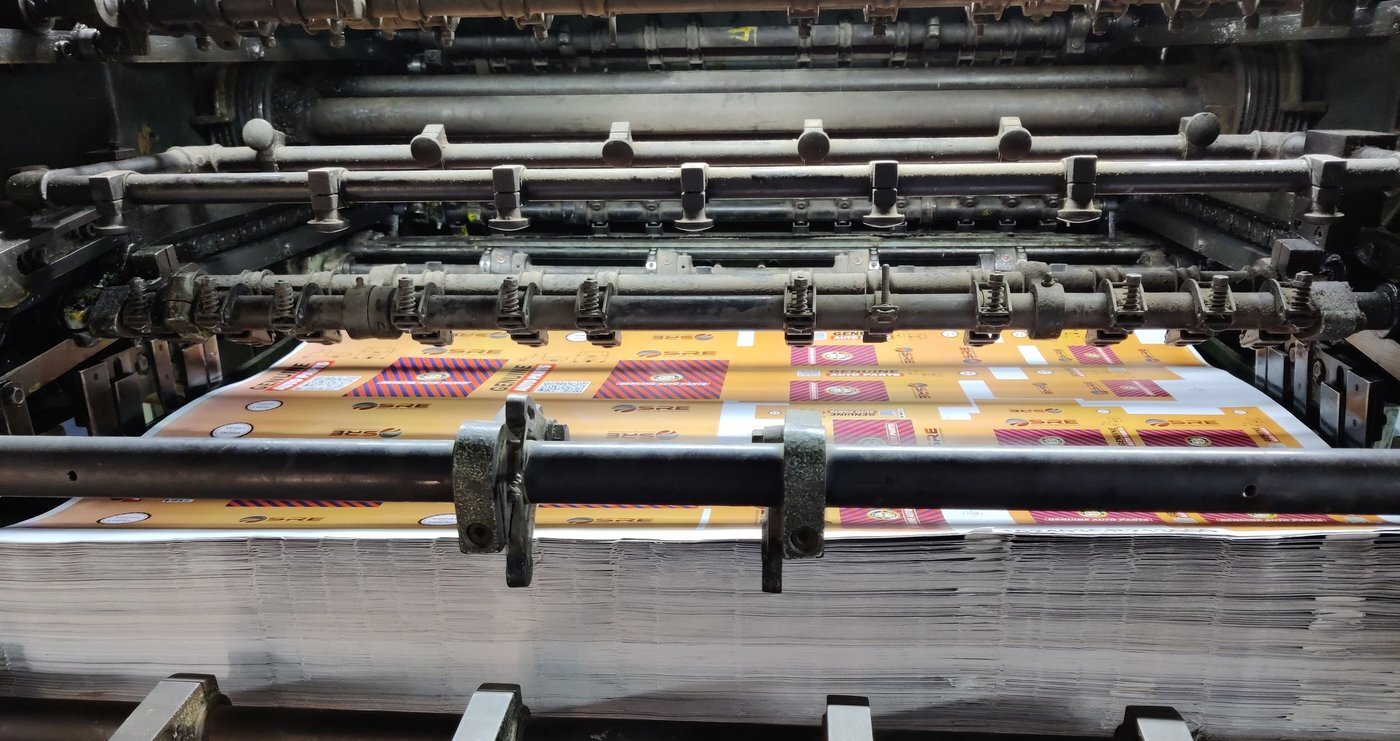
| Most print delays don’t start on the press. They start in the file.
A missing bleed, a low-resolution logo pulled off a website, a bright screen color that can’t exist in ink — each one means another round of emails, another proof, another day. None of them are hard to dodge once you know what we’re looking at. Here are the five checks our prepress team runs on every file that comes in — run them before you hit send, and your job goes straight into production instead of back to your inbox. | 1. Add the bleed — let the color run past the edge 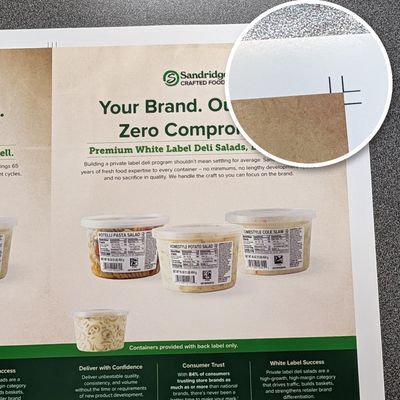
If your design has color, a photo, or a background that touches the edge of the finished piece, it has to keep going — 1/8 inch past the trim line on all four sides. That’s the bleed. We trim into that extra strip, so if it’s missing, the choices are a thin white edge you didn’t want or a call from us asking for a new file. Build the bleed in when the document is set up, not as an afterthought, and keep type and logos at least 1/8 inch inside the trim line, too. | 2. Resolution at the size it will actually print 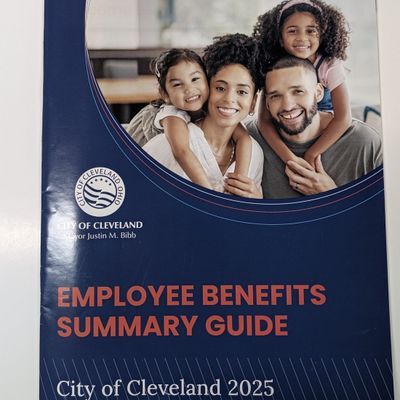
A picture that looks sharp on your phone can fall apart at poster size. The rule: images at 300 dpi at their finished print size for pieces you’ll hold in your hand, and large-format pieces need that same sharpness judged at the size they’ll hang — not the size they were on a website. A logo or photo saved off a web page is almost always too small. Send the original file from the camera or the designer, not the version from the website, the email signature, or a screenshot. | 3. CMYK, not RGB — color that can exist in ink 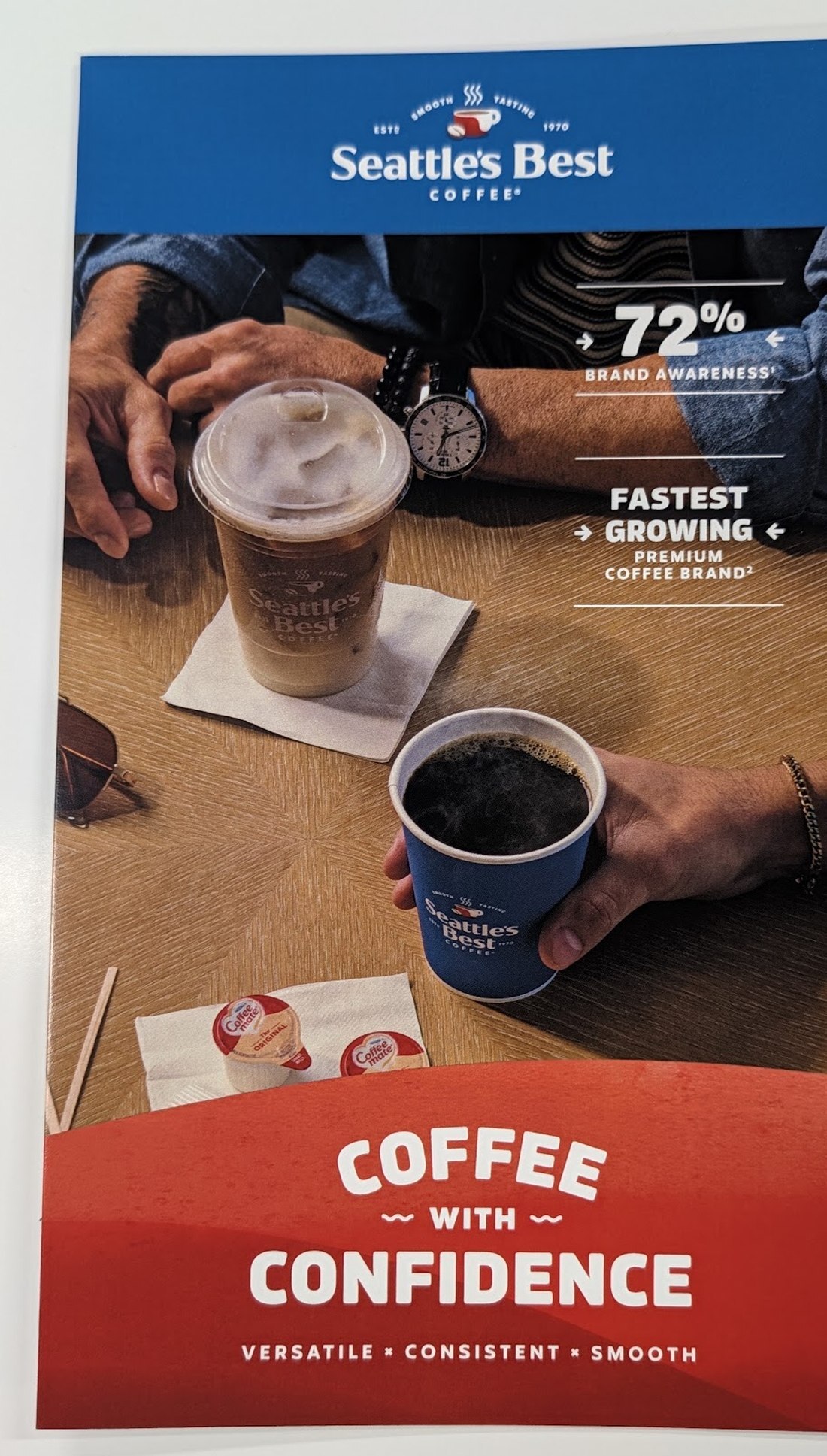
Screens make color with light (RGB). Presses make it with ink (CMYK). Some of the brightest screen blues, greens, and oranges simply have no ink equivalent, and if the file arrives in RGB, that conversion happens anyway — the only question is whether you see and approve the shift, or we do. Convert to CMYK before you send, check the colors you care about most — your brand color above all — and tell us if a color has to match something already printed. That’s a conversation we’re glad to have before the press runs, not after. | 4. Fonts: outline them, or embed them 
If your file uses a font we don’t have, our system quietly substitutes another one — and a substituted font can change the look, the spacing, and even where lines break. Two fixes, either works: outline (convert to curves) the type in your design file, which turns the letters into shapes any system reads the same way, or export a PDF with the fonts embedded. One caution on outlining: once type is outlined it can’t be edited as text, so keep an editable copy for yourself — and if a last-minute wording change comes up, send us that copy too. | 5. Vector where it counts, raster where it belongs 
Raster files (JPG, PNG, TIFF) are made of pixels — right for photographs, wrong for logos and type. Blow a pixel logo up to banner size and it goes soft. Vector files (AI, EPS, SVG, or a true vector PDF) are made of math, so a logo stays sharp at business-card size and at billboard size, and a vector outline is also what our cutters follow to contour-cut a standee or a shaped display. Quick test: zoom in to 400%. If the edges go blocky, it’s raster. If they stay clean, it’s vector. Only have a JPG of your logo? Send it anyway and say so — rebuilding a clean vector logo is a job we do routinely. | THE TWO-MINUTE CHECKLIST
Before you send: finished size is right · color runs 1/8″ past every edge it touches · images are sharp at finished size · file is CMYK · fonts are outlined or embedded · logos are vector. Six boxes, two minutes, and the file that lands here is the file that goes to press. |
| THESE CHECKS RUN ON EVERY JOB — WITH HELP FROM A TOOL WE BUILT
We built our own file-checking system in-house, and our prepress team runs every file through it before a job reaches the press. It flags the majority of file problems — bleed, resolution, color mode, fonts, file type — so most trouble gets pinpointed on day one, not deadline day, and you hear from us with exactly what needs fixing. Between the tool and the people watching it, your file gets a careful look before it prints. Send your files the way you always do; the checking happens on our end. |
| CAN’T CHECK THEM ALL? SEND IT ANYWAY
We check every file that comes in, and we’d much rather fix a file on day one than discover a problem on deadline day. Send what you have, tell us the finished size and the date you need it, and we’ll tell you plainly what works, what we fixed, and what — if anything — we need from you. |
| One clean file, a calmer schedule Print-ready files don’t just look better — they skip the back-and-forth, hold their place in the production schedule, and leave room for the deadline to breathe. One shop, one call, and a team that checks everything twice so you don’t have to. | Request an Estimate or call us at 216-524-9000 | Image Concepts 8200 Sweet Valley Drive, Cleveland, OH 44125
Phone: 216-524-9000 · order@imageconceptsprint.com
Production hours: Monday–Friday, 8:00 AM–4:30 PM |
|


